Qlone, 3D Object Export

Qlone allows you to scan an object in 3D using your phone. You can directly export a Lens Studio Project within the app and then publish it as a Lens using Lens Studio.
Export Lens Studio Project
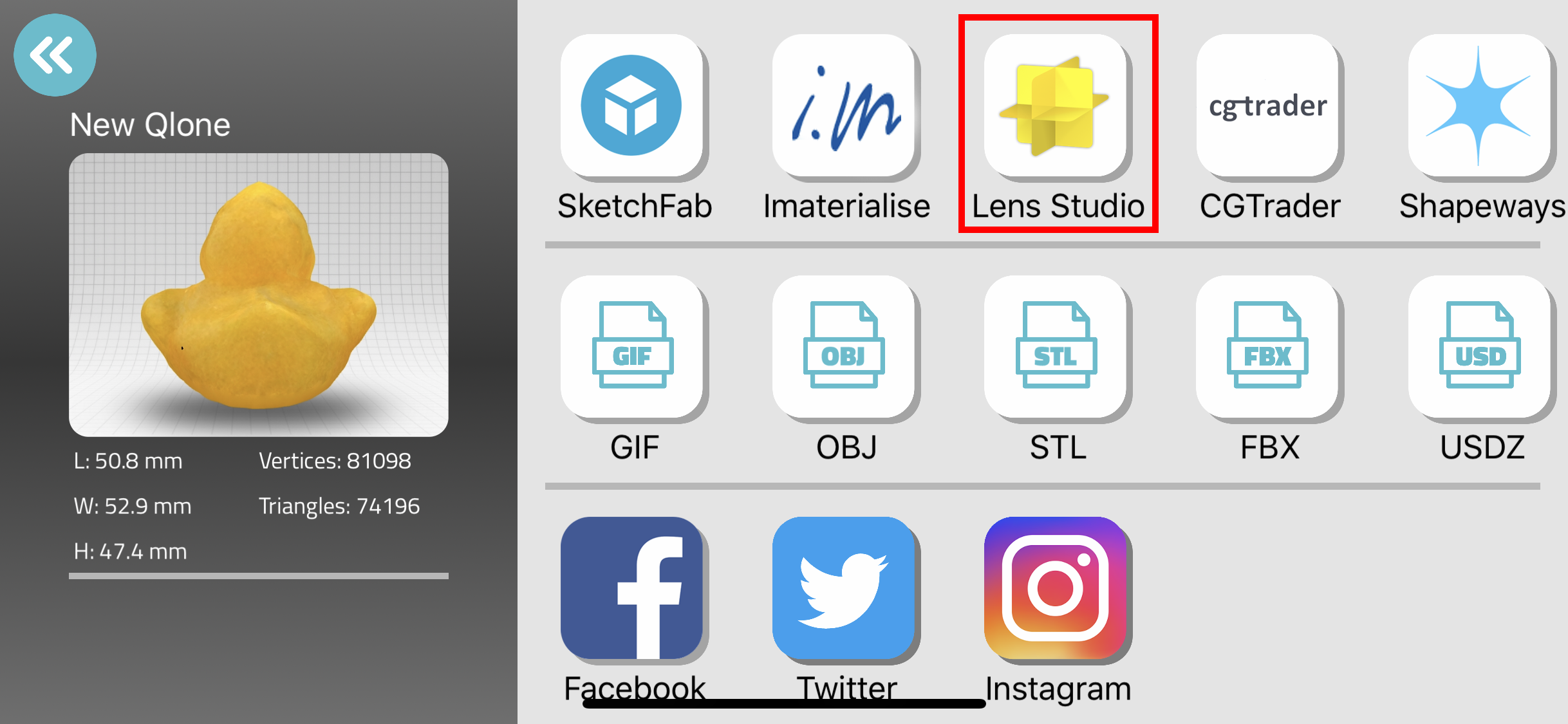
Once you finish scanning your item, it's ready for export. Click on the Lens Studio export option. This will automatically create a Lens Studio Project based on the Static Object Template with your 3D model. You can select to Airdrop your project to your computer, Save to Files and more.
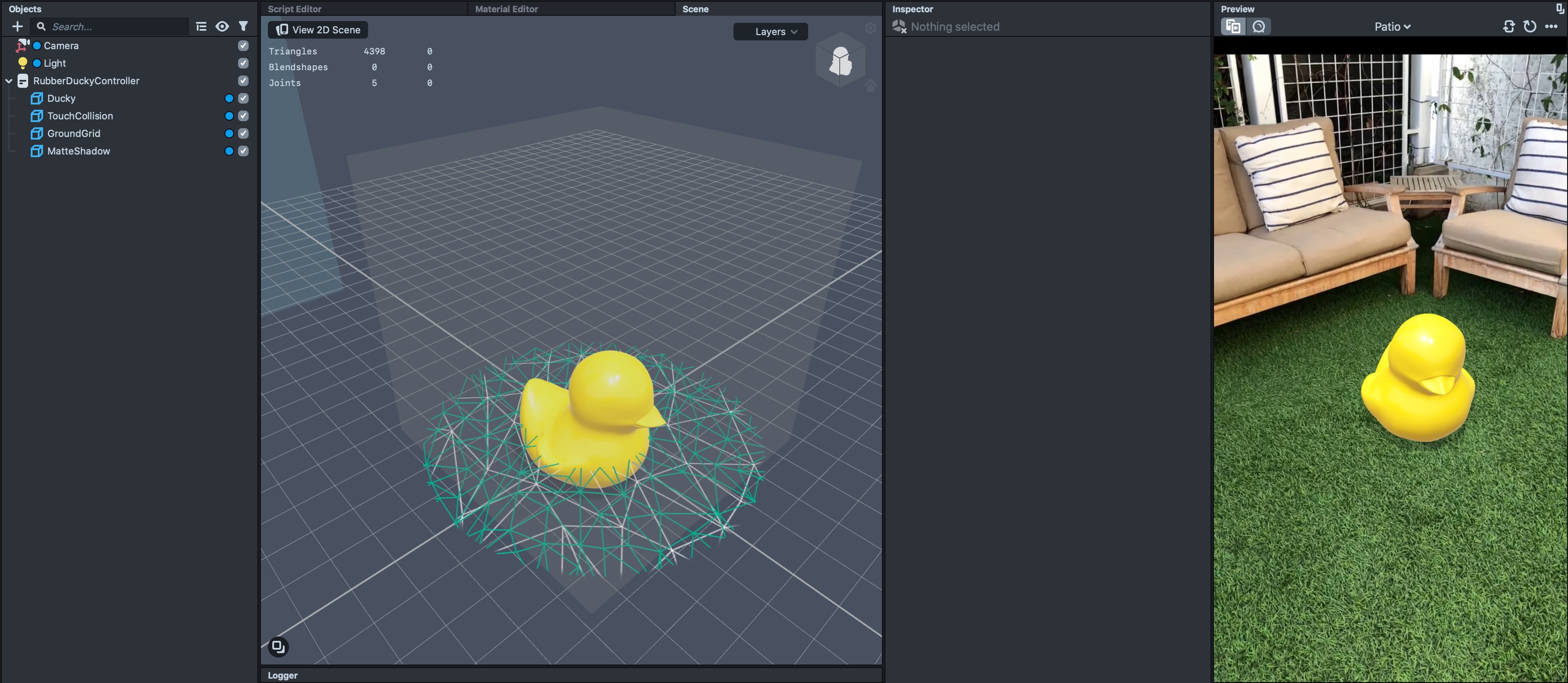
After you share your project from Qlone to your computer, you will be able to open it in Lens Studio by double clicking the lsproj or by selecting File -> Open Project... in Lens Studio's menubar.
Related Guides
Please refer to the guides below for additional information:
Was this page helpful?