Drawing
The drawing template illustrates various techniques for sketching mechanical designs. Users can create art by dragging their finger across the screen and can choose the paint color using a slider.
Template Guide
Go to the Home page in Lens Studio and find the Drawing Sample Project in the Sample Project section. Click on the project card to download the project.
The project contains 4 different drawing options - Screen, Canvas and Face, 3D.
You can switch between them by turning ON/OFF SceneObjects under Drawings [Select only 1 option].
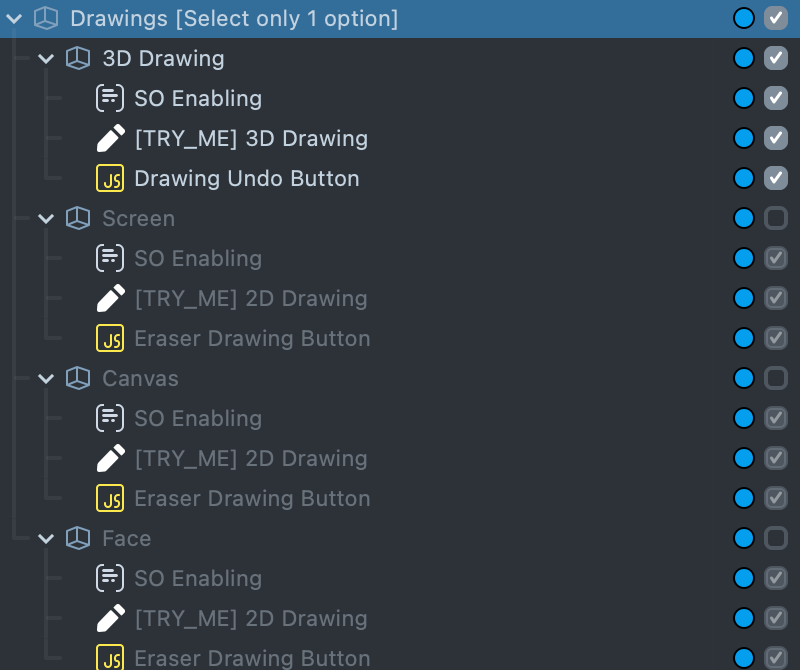
Don't forget to refresh the Lens when you turn on another option, to ensure that the Lens works as it will on the user's device!
3D Drawing
3D Drawing uses Device Tracking component. Art on the front camera is attached to the Face and art on the back camera is attached in world.
You can customize drawing material and lines size. Select [TRY_ME] 3D Drawing SceneObject.
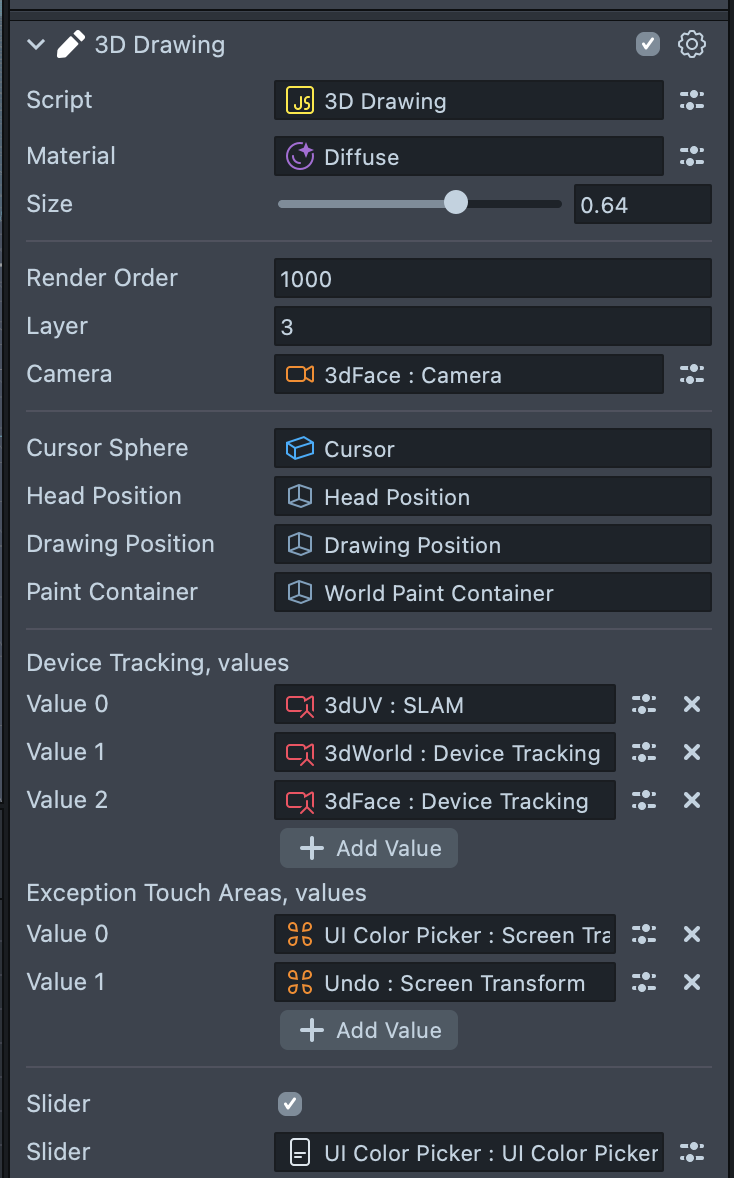
There is a Material input. You can find material examples in Resources -> Materials -> [TRY_ME] 3D Brushes.
Input each of these materials in the script and try to draw!
There is also a Size slider input from thin to thick line.
Screen Drawing
To customize drawing size, select [TRY_ME] 2D Drawing SceneObject and change Size input.
You can also change brush smoothness. To do so, select the loop_Screen material.
And change the smooth shader's property.
Canvas Drawing
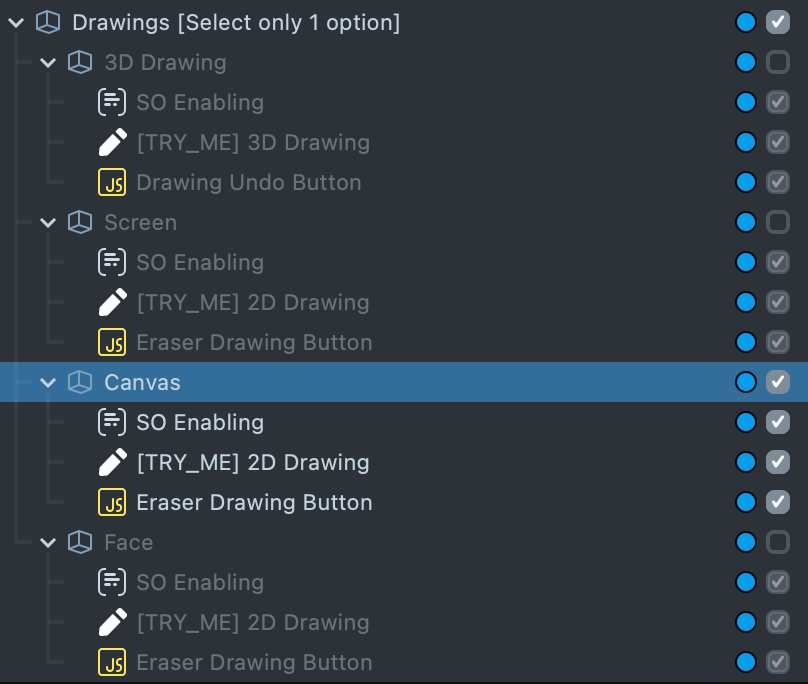
This drawing simulates writing with chalk on a board.
To change the size follow these steps:
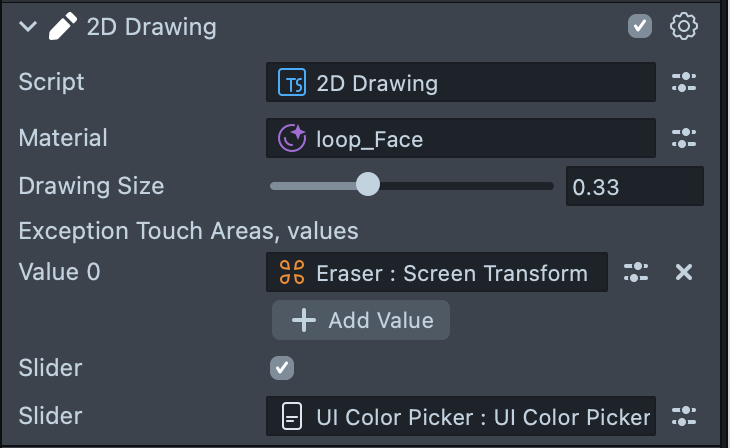
Face Drawing
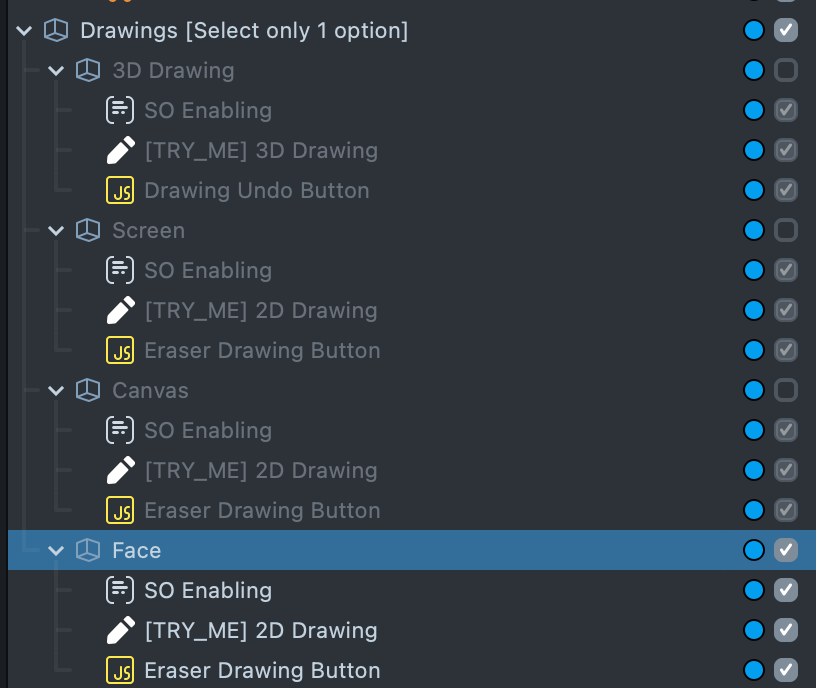
Face drawing allows the Snapchatter to draw only on the face.
The size can be adjusted the same way as in Canvas or Screen modes.
Previewing Your Lens
You’re now ready to preview your Lens! To preview your Lens in Snapchat, follow the Pairing to Snapchat guide.