Permissions & Privacy
When using capabilities or components, Lens Studio automatically declares the necessary permissions in the project.
Spectacles Lenses use 2 important types of permissions:
- Sensitive User Data
- External Connectivity
The Spectacles camera captures information about surroundings, enabling interaction with AR content in the environment. The microphone captures voice data for features like recorded videos and voice commands. Both camera and microphone access are essential for the device to function properly. Spectacles can also use location data to support location-based Lenses and features. The API page tags these APIs as “Exposes User Data”.
When camera is not used directly, and APIs returns processed data, such as face landmarks, hand joints, surfaces, the camera is not considered to be used.
Some Lenses run solo, while others communicate with external devices through Connected Lenses or RemoteServiceModule. During such interactions, Spectacles prevent simultaneous use of these capabilities with sensitive user data to ensure privacy in published Lenses.
Access to some internal Snap Cloud services, as Remote Service Gateway, doesn't count as external connectivity. This means that you can use Remote Service Gateway with sensitive user data in published Lenses.
To see which permissions your project declares, go to the Spectacles section inside your Project Settings.
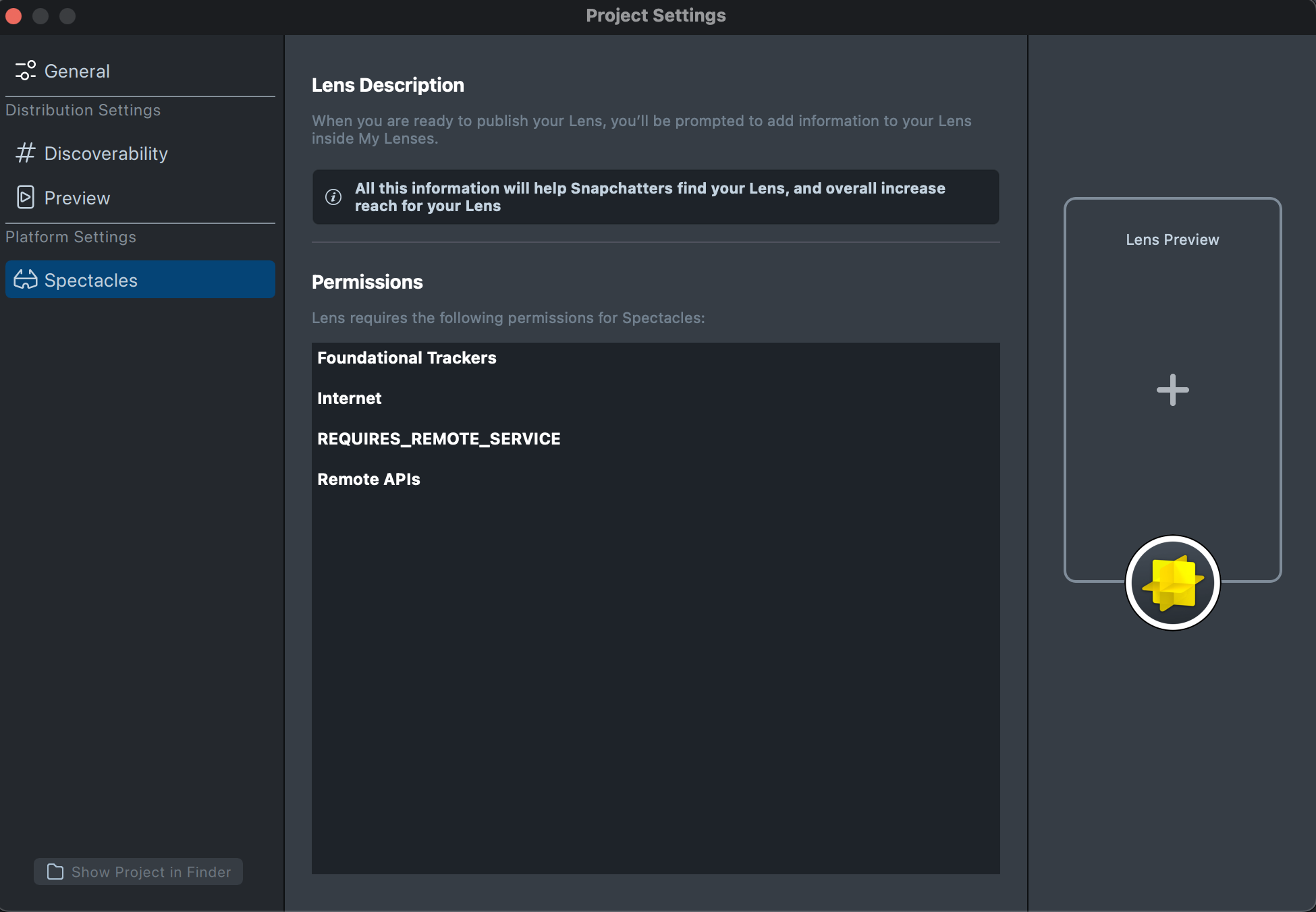
Using Non-Declared Permissions Features
In some cases, you might use capabilities that require permission declarations dynamically through scripts.
For example, when you dynamically instantiate a HeadComponent through script:
let headComponent = script.getSceneObject().createComponent('Component.Head');
let headLandMarks = headComponent.getLandmarks();
require('LensStudio:FaceTrackingModule');
let headComponent = script.getSceneObject().createComponent('Component.Head');
let headLandMarks = headComponent.getLandmarks();
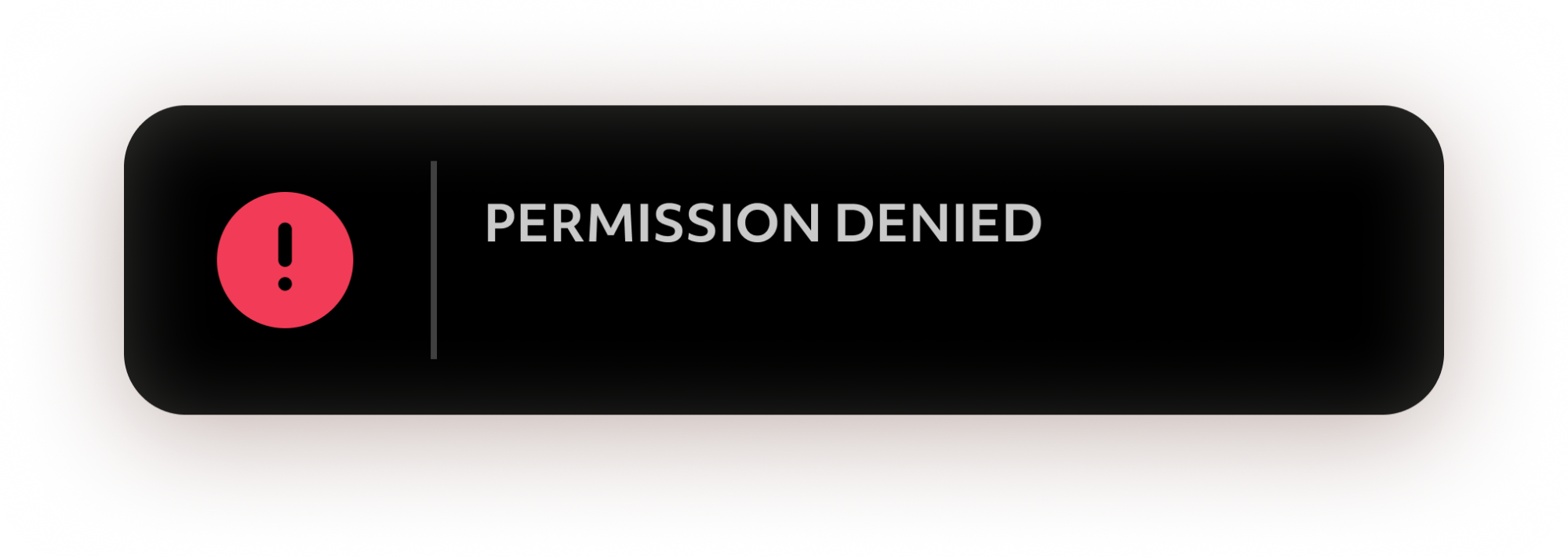
In this case, Lens Studio doesn't automatically declare the permission, unlike when you attach a HeadComponent to a SceneObject in the Scene Hierarchy Panel. Lenses that attempt to use features without declaring the permissions in their Lens Project automatically get a permission denied by the SnapOS system.
To learn more about the types of permissions Lenses can use, review the List of Permissions Types section.
List of Permissions Types
| Permission Type | Assets & APIs Requesting Permission |
|---|---|
| Colocated Connected Lenses | ConnectedLensModule |
| Remote Connected Lenses | ConnectedLensModule |
| Speech to Text | VoiceMLModule DialogModule |
| Text to Speech | TextToSpeechModule |
| Remote APIs | RemoteServiceModule RemoteMediaModule |
| Bitmoji | BitmojiModule |
| Camera - SnapML | CameraTextureProvider CameraModule |
| Microphone - SnapML | MicrophoneAudioProvider VoiceMLModule DialogModule |
| GPS - Precise | RawLocationModule |
| Location - Coarse | ProcessedLocationModule |
| Face | FaceRenderObjectProvider (Mesh) HeadComponent (Landmarks) FaceTrackingModule |
| Foundational Trackers | DeviceTracking DeviceTrackingModule |
| Supplementary Trackers | SegmentationTextureProvider ObjectTrackingAsset MarkerTrackingAsset DepthTextureProvider TrackedPoint Point Cloud World Mesh |
| Body Trackers | Object3DAsset |
| Internet | RemoteServiceModule |
| Input Framework (Text) | TextInputModule |