Gesture Module
The Gesture Module uses a combination of machine learning and heuristic methods to provide reliable and accurate gesture detection. With this module, you can detect the following gestures:
- Pinches
- Targeting
- Grab
- Phone in Hand Detection
The Spectacles Interaction Kit utilizes the Gesture Module to build its interactions. While we recommend using the Spectacles Interaction Kit for building experiences, the Gesture Module also allows the creation of a custom interaction system.
Pinch Gesture
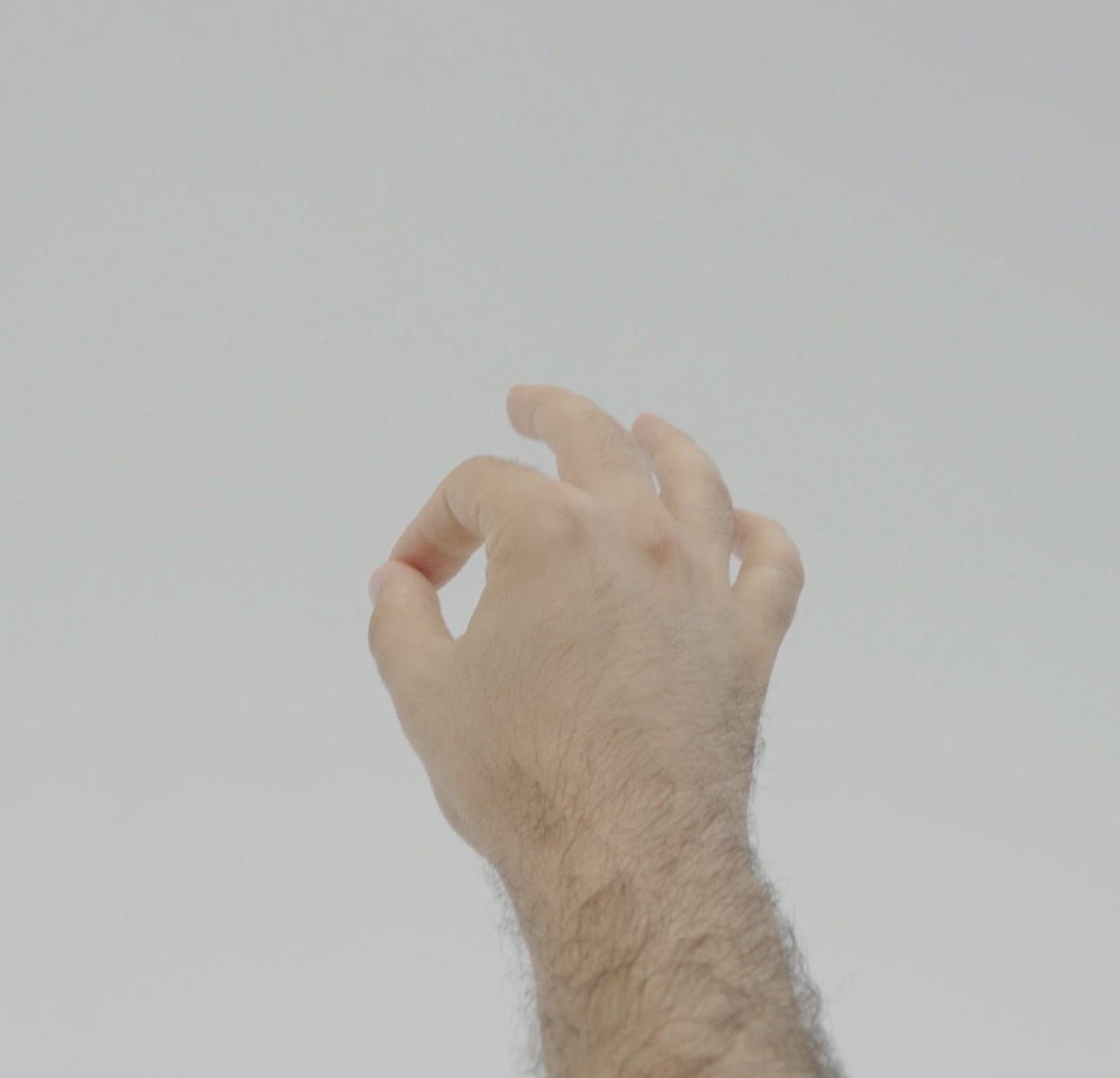
The pinch gesture detects when the thumb and index fingers of the hand in view are pinched together.
Relevant APIs
Gesture Module Methods
-
getPinchDownEvent(handType): any
-
getPinchStrengthEvent(handType): any
- The PinchStrengthArgs provides a normalized value ranging from 0 to 1, where 0 indicates no pinch and 1 indicates a full pinch.
-
getPinchUpEvent(handType): any
Interfaces
-
interface PinchStrengthArgs { strength: number; }
-
interface PinchUpArgs { palmOrientation: vec3; }
-
interface PinchDownArgs { confidence: number; palmOrientation: vec3; }
Code Example
- TypeScript
- JavaScript
@component
export class PinchExample extends BaseScriptComponent {
  private gestureModule: GestureModule = require('LensStudio:GestureModule');
  onAwake() {
    this.gestureModule
      .getPinchDownEvent(GestureModule.HandType.Right)
      .add((pinchDownArgs: PinchDownArgs) => {
        print('Right Hand Pinch Down');
      });

    this.gestureModule
      .getPinchUpEvent(GestureModule.HandType.Right)
      .add((pinchUpArgs: PinchUpArgs) => {
        print('Right Hand Pinch Up');
      });

    this.gestureModule
      .getPinchStrengthEvent(GestureModule.HandType.Right)
      .add((pinchStrengthArgs: PinchStrengthArgs) => {
        print('Right Hand Pinch Strength: ' + pinchStrengthArgs.strength);
      });
  }
}
var gestureModule = require('LensStudio:GestureModule');

gestureModule
  .getPinchDownEvent(GestureModule.HandType.Right)
  .add(function (pinchDownArgs) {
    print('Right Hand Pinch Down');
  });

gestureModule
  .getPinchUpEvent(GestureModule.HandType.Right)
  .add(function (pinchUpArgs) {
    print('Right Hand Pinch Up');
  });

gestureModule
  .getPinchStrengthEvent(GestureModule.HandType.Right)
  .add(function (pinchStrengthArgs) {
    print('Right Hand Pinch Strength: ' + pinchStrengthArgs.strength);
  });
Targeting Gesture
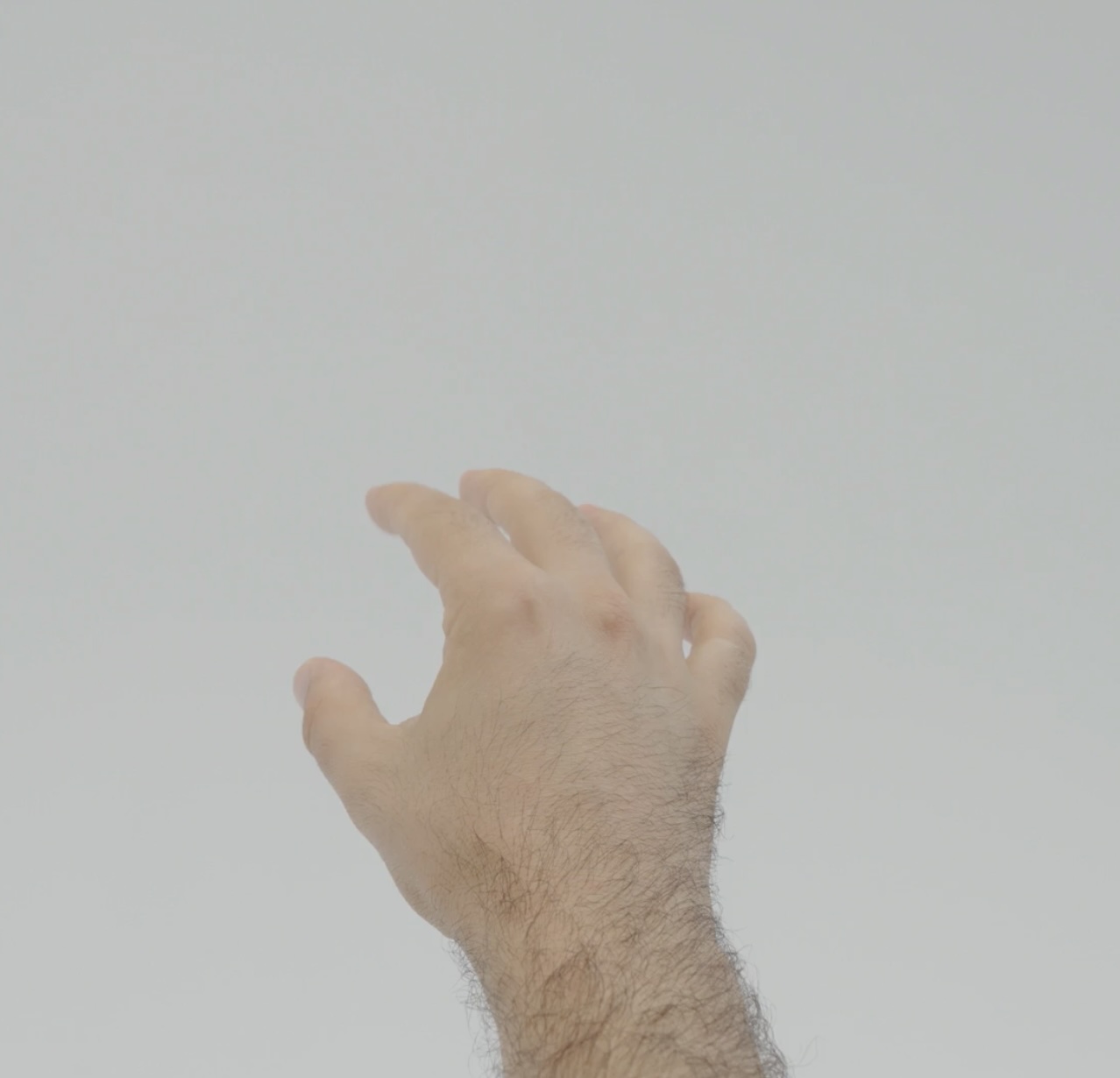
The targeting gesture is detected when the user has an intent to target a digital content in space.
Relevant APIs
Gesture Module Methods
- getTargetingDataEvent(gestureHandType): any
- This method triggers every frame to provide targeting data based on the specified gestureHandType.
Interfaces
- interface TargetingDataArgs { isValid: boolean; rayDirectionInWorld: vec3; rayOriginInWorld: vec3; }
- When isValid is false, rayDirectionInWorld and rayOriginInWorld return the last calculated values.
Code Example
- TypeScript
- JavaScript
@component
export class TargetingExample extends BaseScriptComponent {
  private gestureModule: GestureModule = require('LensStudio:GestureModule');
  onAwake() {
    this.gestureModule
      .getTargetingDataEvent(GestureModule.HandType.Right)
      .add((targetArgs: TargetingDataArgs) => {
        print('Is Valid: ' + targetArgs.isValid);
        print('Ray Origin In World: ' + targetArgs.rayOriginInWorld);
        print('Ray Direction In World: ' + targetArgs.rayDirectionInWorld);
      });
  }
}
var gestureModule = require('LensStudio:GestureModule');

gestureModule
  .getTargetingDataEvent(GestureModule.HandType.Right)
  .add(function (targetArgs) {
    print('Is Valid: ' + targetArgs.isValid);
    print('Ray Origin In World: ' + targetArgs.rayOriginInWorld);
    print('Ray Direction In World: ' + targetArgs.rayDirectionInWorld);
  });
Grab Gesture
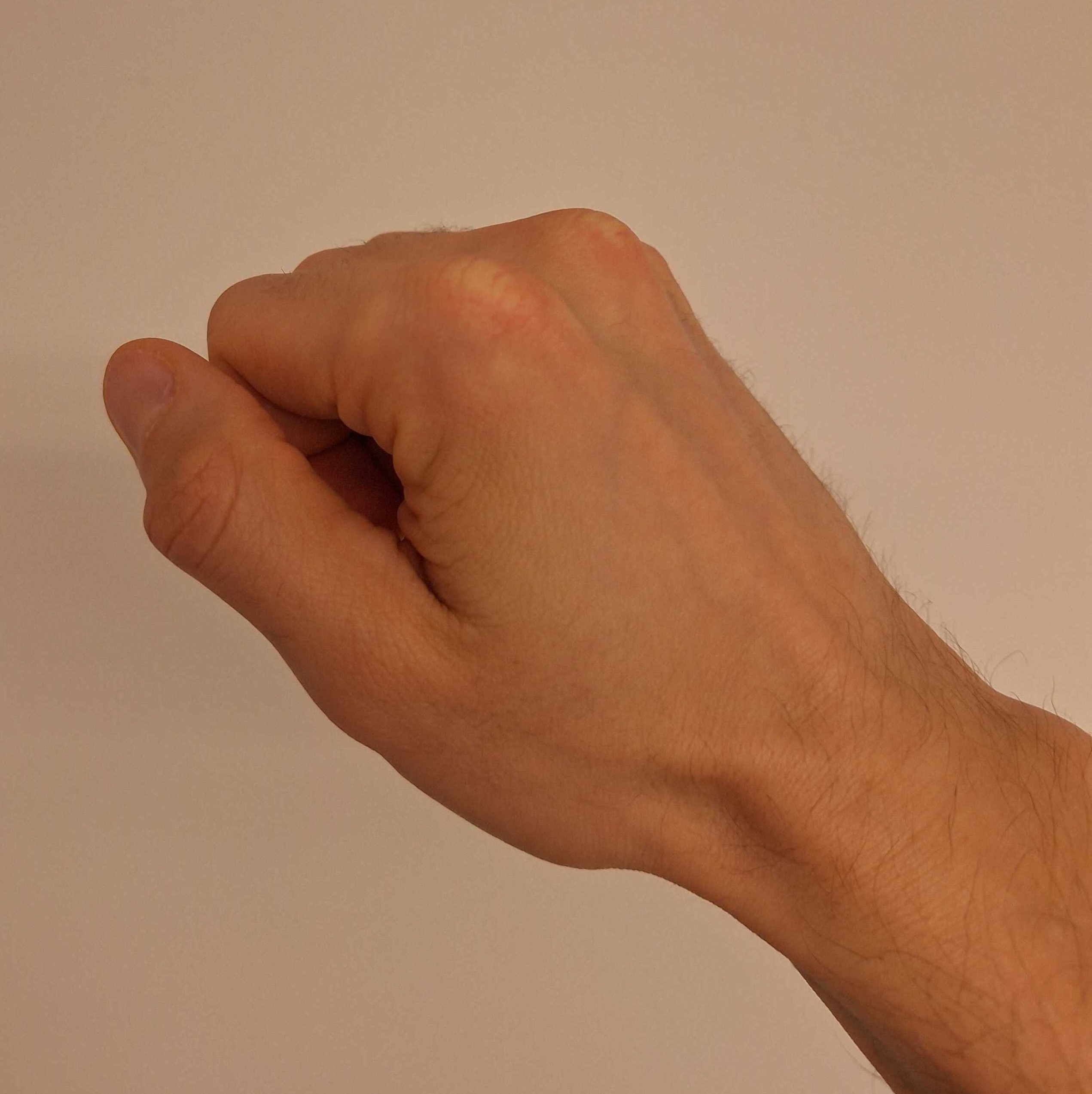
The grab gesture detects when the hand performs a grab pose, enabling interactions such as grabbing virtual objects or making a fist.
Relevant APIs
Gesture Module Methods
-
getGrabBeginEvent(handType): any
-
getGrabEndEvent(handType): any
Interfaces
-
interface GrabBeginArgs { }
-
interface GrabEndArgs { }
Code Example
- TypeScript
- JavaScript
@component
export class GrabExample extends BaseScriptComponent {
  private gestureModule: GestureModule = require('LensStudio:GestureModule');
  onAwake() {
    this.gestureModule
      .getGrabBeginEvent(GestureModule.HandType.Right)
      .add((grabBeginArgs: GrabBeginArgs) => {
        print('Right Hand Grab Begin');
      });
  }
}
var gestureModule = require('LensStudio:GestureModule');

gestureModule
  .getGrabBeginEvent(GestureModule.HandType.Right)
  .add(function (grabBeginArgs) {
    print('Right Hand Grab Begin');
  });
Phone in Hand Detection
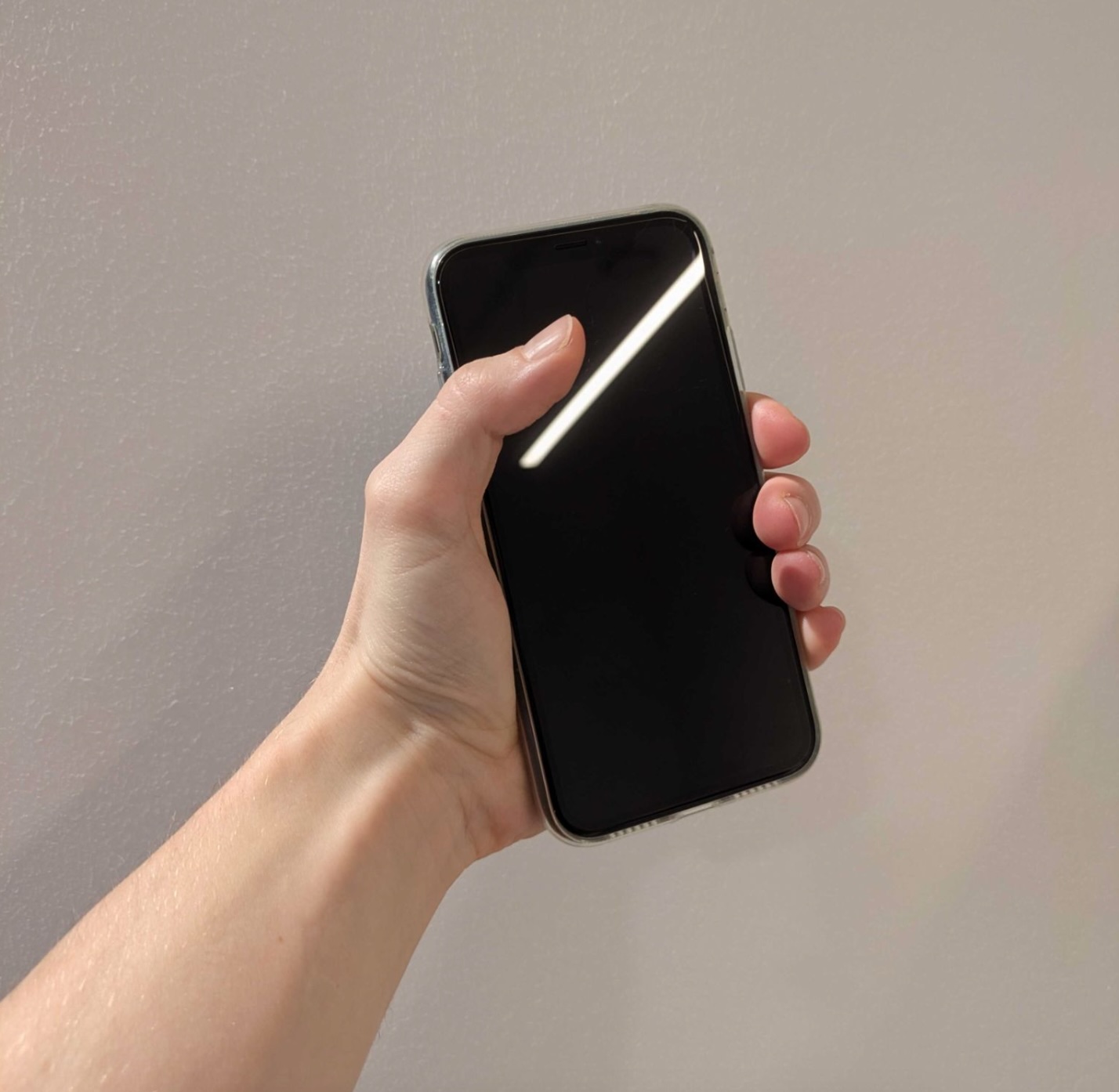
The IsPhoneInHand events indicate whether a tracked hand is holding a phone-like object. Note: Only objects with a smartphone-like appearance are detected.
Relevant APIs
Gesture Module Methods
-
getIsPhoneInHandBeginEvent(handType): any
-
getIsPhoneInHandEndEvent(handType): any
Interfaces
-
interface IsPhoneInHandBeginArgs { }
-
interface IsPhoneInHandEndArgs { }
Code Example
- TypeScript
- JavaScript
@component
export class IsPhoneInHandExample extends BaseScriptComponent {
  private gestureModule: GestureModule = require('LensStudio:GestureModule');
  onAwake() {
    this.gestureModule
      .getIsPhoneInHandBeginEvent(GestureModule.HandType.Right)
      .add((grabBeginArgs: GrabBeginArgs) => {
        print('Right hand started to hold a phone.');
      });
  }
}
var gestureModule = require('LensStudio:GestureModule');

gestureModule
  .getIsPhoneInHandBeginEvent(GestureModule.HandType.Right)
  .add(function (grabBeginArgs) {
    print('Right hand started to hold a phone.');
  });